Database Access
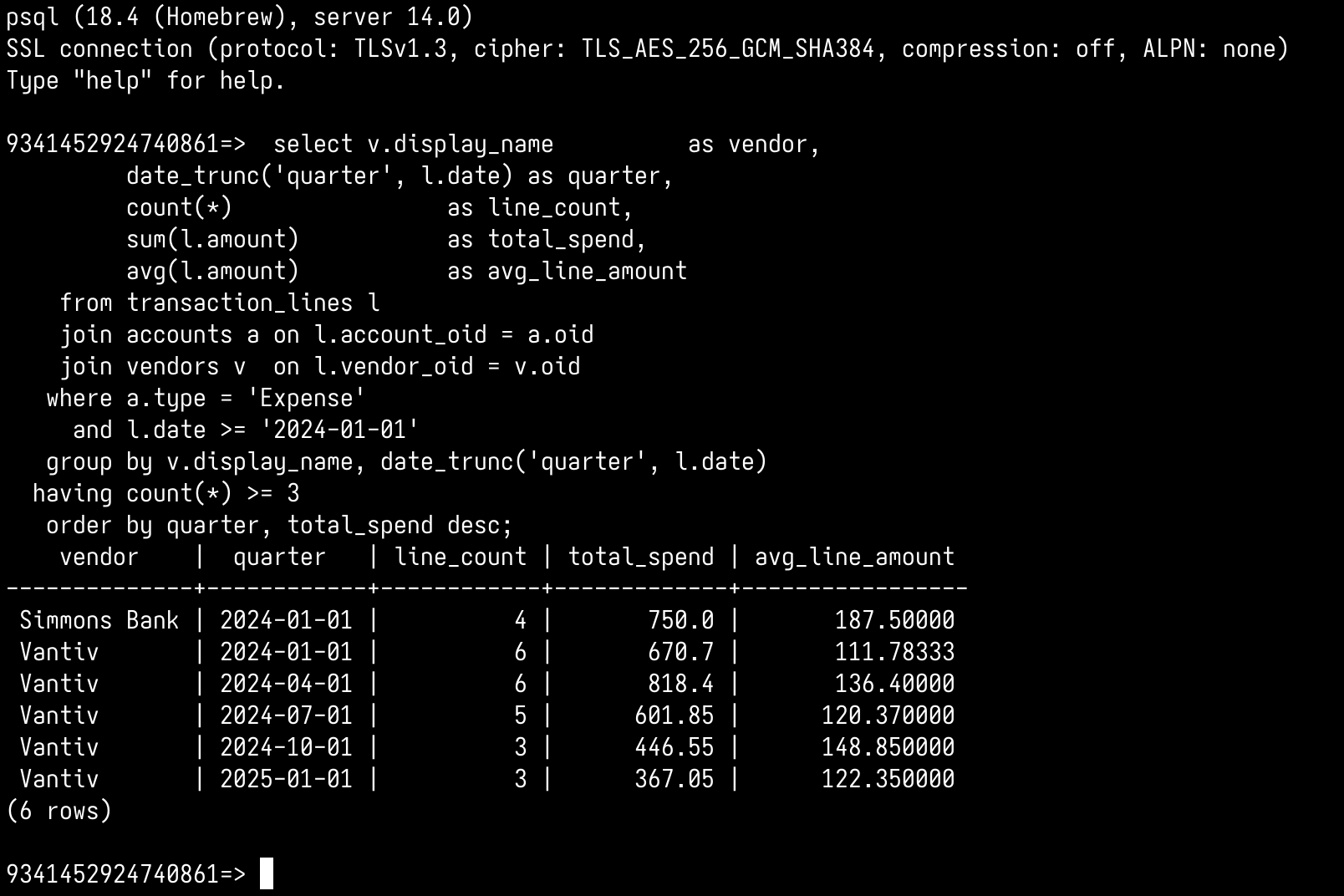
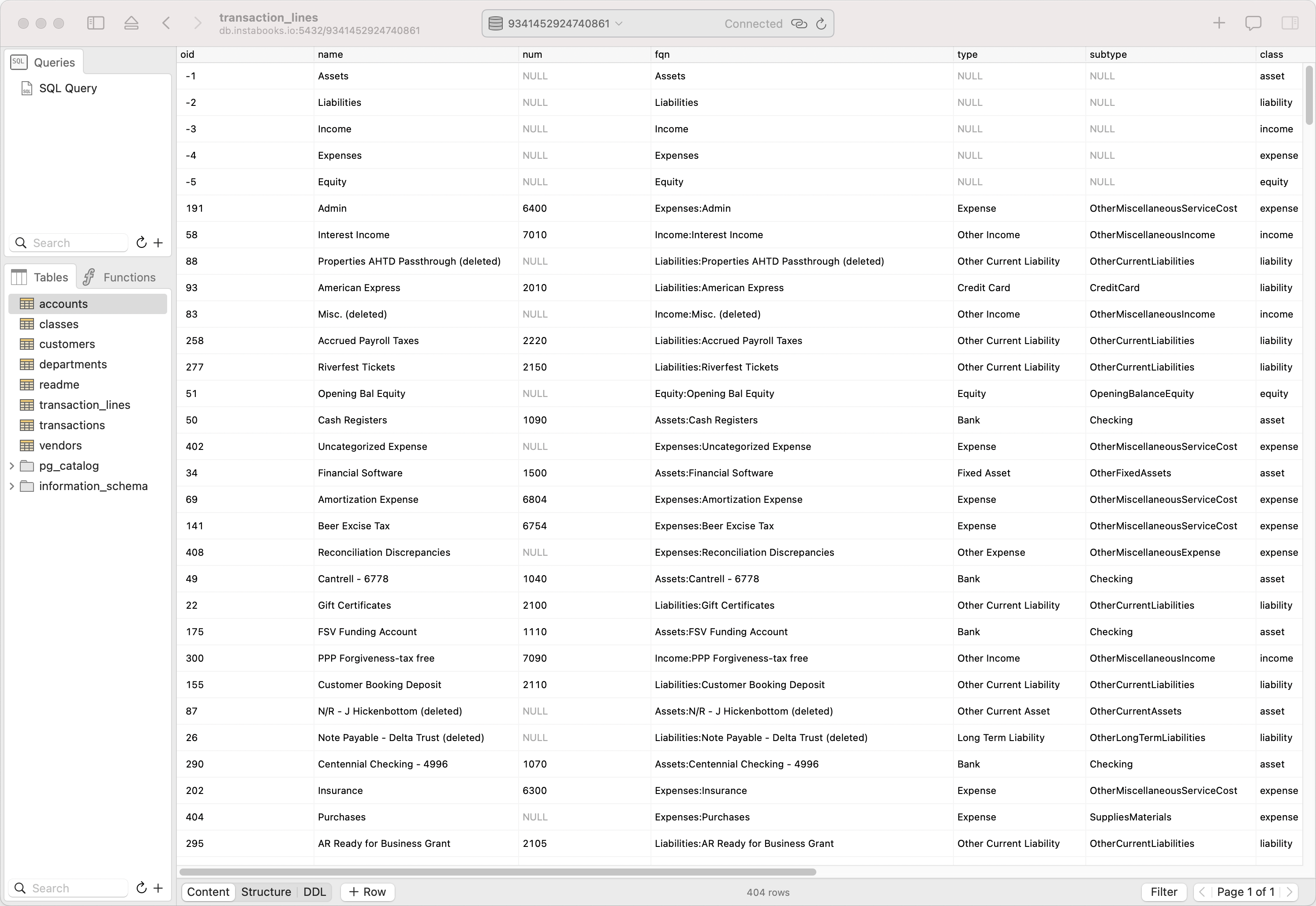
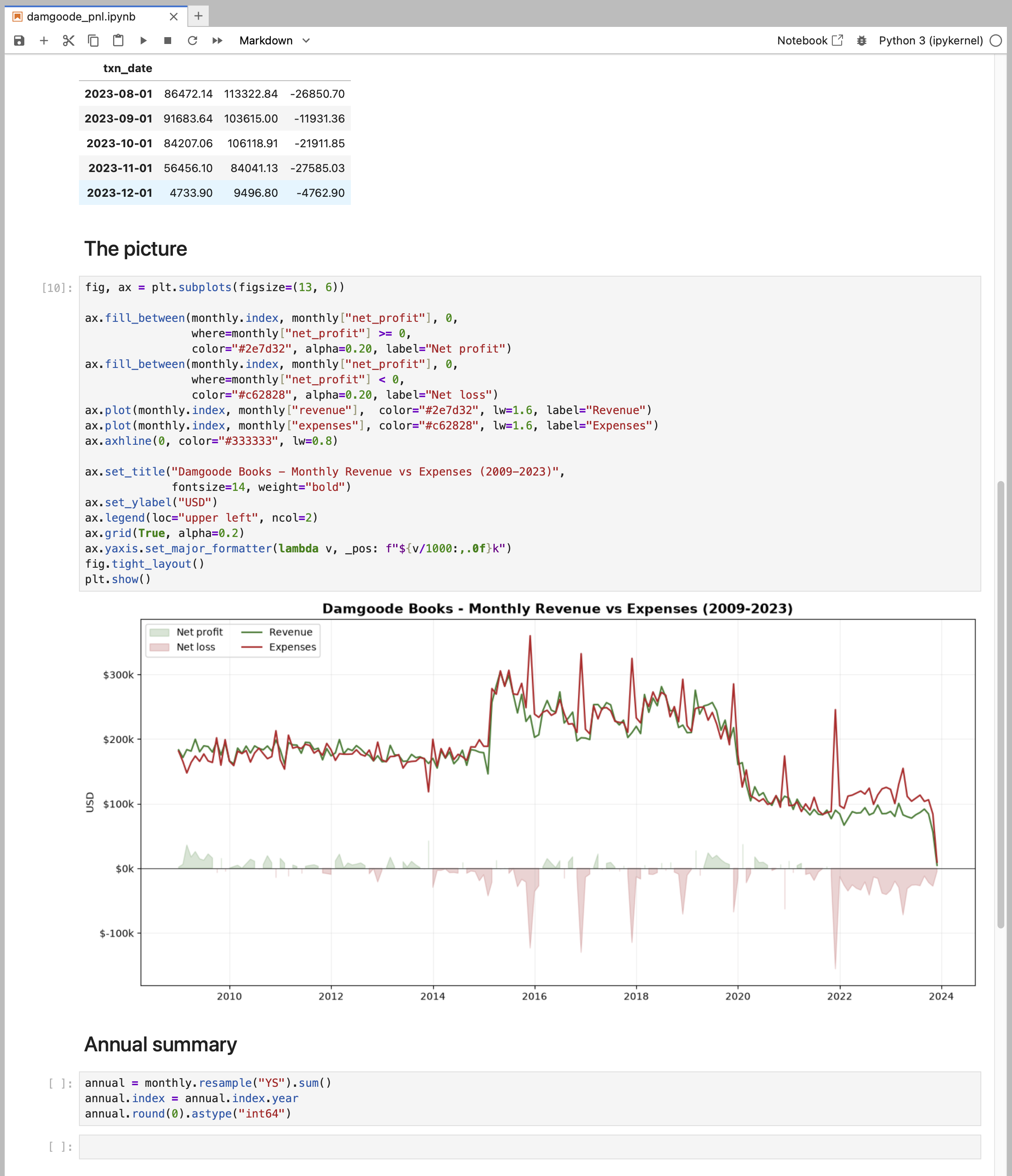
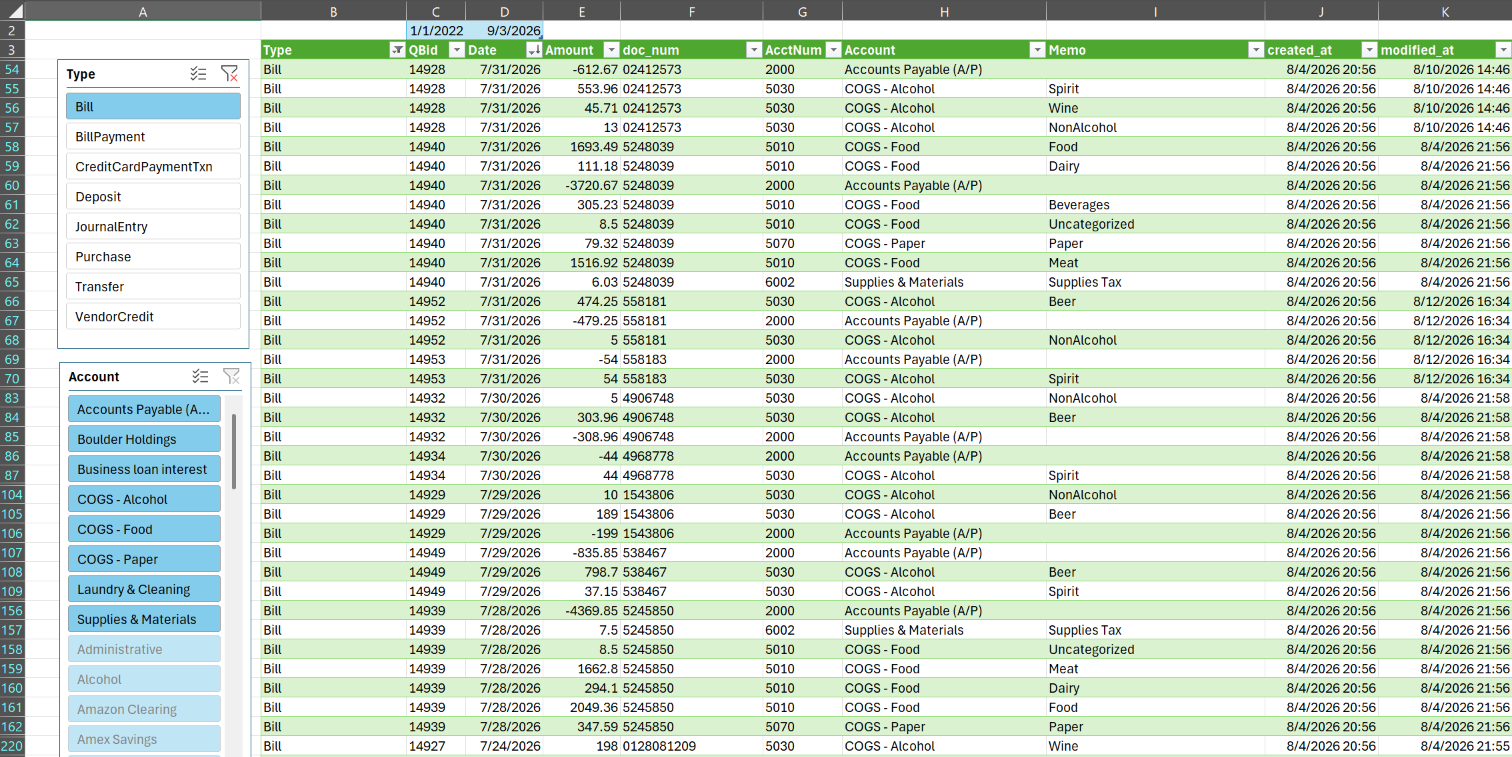
Using Instabooks Database Access, you can access your company's books as SQL tables, including transactions and lines; the chart of accounts; and classes, departments, customers, and vendors. They all stay in sync with QuickBooks Online, the same way the rest of Instabooks does.
Database Access uses the PostgreSQL wire protocol, so there's no plugin or connector to install beyond your client's own Postgres driver.
Things to know before you start:
- It is read-only. Writes and schema changes are not supported. That means nothing you run here can alter your books.
- It is a focused subset of PostgreSQL, aimed at analytical queries: joins, filters, grouping, aggregates, and date bucketing. See Tables & SQL for exactly what is supported. Anything unsupported comes back as a SQL error.
Generate a password
In Instabooks, click the gear next to your email in the top right to open Settings, then Database Access. Open the company you want to query and click Generate password. Give it a note describing what it is for, such as "monthly revenue script" or "Excel on my laptop", so you can tell your passwords apart later.
The password is shown once. Copy it when it appears. If you lose it, revoke it and generate another.
Your connection details
Any Postgres client will need the following five pieces of information to connect to Instabooks. The exact values (for each company connected to your account) are on the Settings → Database Access page. This is what they mean:
| Field | Value |
|---|---|
| Host | db.instabooks.io |
| Port | 5432 |
| Database | The company's id code. Each company connected to your account has its own database. |
| User | The email address you use to sign in. Visible in the top right corner when you are signed in to Instabooks. |
| Password | The password you generated above. |
TLS is required. The connection is always
encrypted; a client that asks for an unencrypted connection is
refused. Most clients do the right thing on their own. Where one
needs to be told, set its SSL mode to require.
Pick your client
Terminal (psql)
Connect in one command, and use psql's schema commands to explore the tables.
GUI clients
Browse the tables and run queries in an editor with Postico, DBeaver, TablePlus, or pgAdmin.
Excel
Pull the books into a worksheet with Power Query, and refresh them on demand.
Scripts & notebooks
Python, Java, Go, Ruby, or anything else with a Postgres driver.
What you can query
We've distilled the complex QuickBooks Online data model into a simple, powerful, and consistent double-entry SQL schema.
For example, the following query sums the amounts of all transaction lines of "Income" accounts, per month:
select date_trunc('month', l.date) as month,
       sum(l.amount) as revenue
  from transaction_lines l
  join accounts a on l.account_oid = a.oid
 where a.type = 'Income'
 group by date_trunc('month', l.date)
 order by month;
The full column-by-column reference, the supported SQL, and the gotchas worth knowing before you sum anything are in Tables & SQL.
Security
- Passwords are stored securely. Nobody, including us, can read yours back.
- A password is scoped to one company, and is checked against your access to that company on every connection.
- The connection is encrypted end to end.
- You can revoke a password at any time from Settings → Database Access. Any client using that password loses access immediately.